



Hello friends! Today I’m going to talk to you about the UTM parameters, the beloved prodigies of the digital marketing world that act like detectives, helping us track our steps. UTM parameters are like the Sherlock Holmes of marketing. Without them, the sources of your traffic would remain a big mystery. Let’s discover together who these mysterious characters are and why they are so important!
What is UTM? Sounds Like a Riddle, But It's Not!
UTM stands for “Urchin Tracking Module.” It might sound a bit technical, but it’s not as scary as it seems. UTM parameters are tiny snippets of text added to the end of a URL that allow you to track where your website traffic is coming from, which campaign it’s coming through, and even which content they clicked on. They work in harmony with tools like Google Analytics, answering questions like “Where did this visitor come from? Which ad did they click on? Which email campaign brought this visitor?”
Why Should I Use UTM Parameters?
And here’s the fun part! Let’s say you spent a bunch of money and ran a fabulous ad campaign. Your ads are everywhere; on social media, search engines, email newsletters, maybe even beside a UFO! But which ones are working, and which are just drifting away into the digital cosmos? That’s where UTM parameters come into play. With these magical codes, you can measure the performance of each ad, shaping your marketing strategy accordingly.
The Five Elements of UTM Parameters

UTM parameters consist of five basic components:
utm_source: This parameter identifies where the traffic is coming from. For example, utm_source=google tells you that the visitor came from Google.
utm_medium: This indicates the medium the visitor used to arrive. utm_medium=cpc shows that it’s a cost-per-click ad.
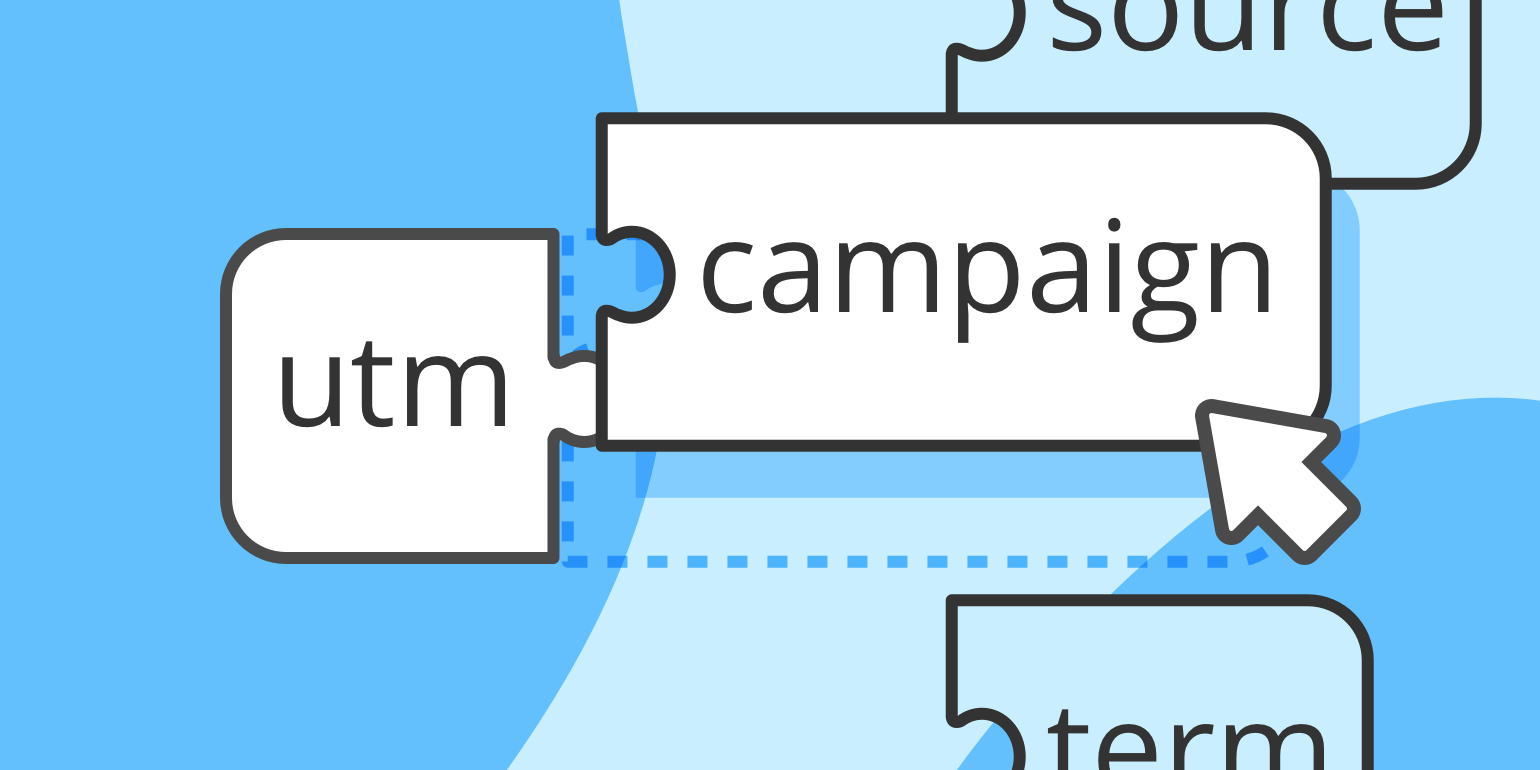
utm_campaign: Typically used for the campaign name. utm_campaign=summer_sale lets you track which campaign is drawing traffic.
utm_term: This is mainly used for tracking keywords in paid search campaigns. For instance, utm_term=beach+sandals
utm_content: Used to measure the performance between two different ads. You might use tags like utm_content=sidebar_image or utm_content=top_banner
How Do I Create UTM Parameters?
To create UTM parameters, you can use Google’s UTM Builder or Utmfy’s Free UTM Builder. Enter your URL, fill out the parameters, and voila! A custom URL is created for you. Now you can use this URL to track every step of your campaigns.
Final Words
Dear marketers, UTM parameters are the secret sauce to understanding the ‘who’, ‘what’, and ‘where’ of your traffic. Embrace them and watch as the once foggy path of your customer journey becomes illuminated with the light of data. Happy tracking!
Enjoy this playful journey into the world of UTM parameters, where every click tells a story, and every story helps you write a better ending for your marketing campaigns.